

Who can read a Private Story?
The author and readers who are subscribed to that author on Short Story Lovers.
Short Story Lovers Resource
Write normally, share privately with your subscribers, gather feedback, and publish publicly when you are ready.
Why Private Stories?
Earlier this year, Author Pulse 2026 asked writers what had held them back from publishing and what might motivate them to publish again. Private Stories grew from the same thinking: sometimes the next useful step is not public distribution. It is letting a smaller audience read first.
A Private Story stays outside Short Story Lovers public discovery. You can share its link directly, but the story body unlocks only for readers who subscribe to you on SSL.
Step 1
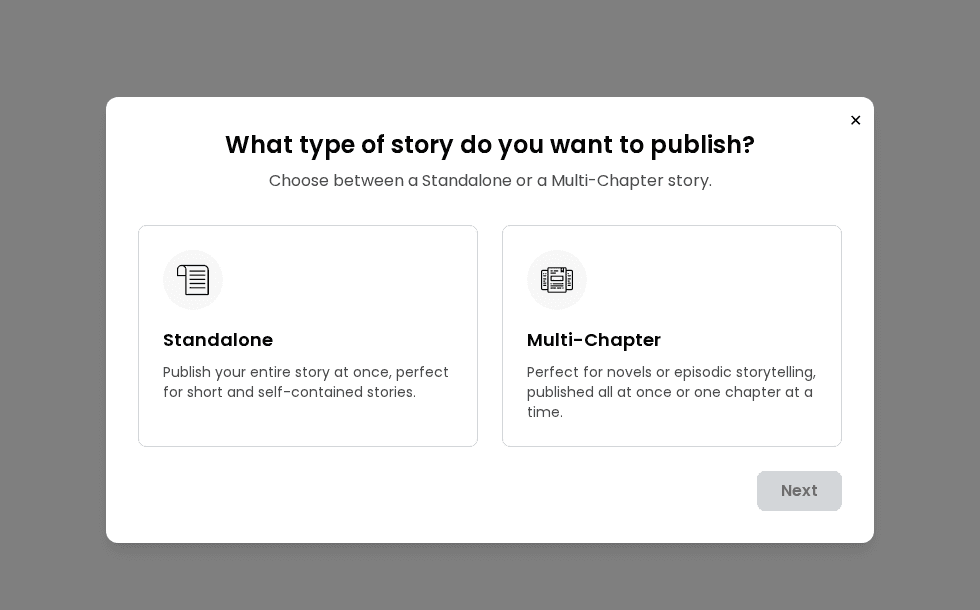
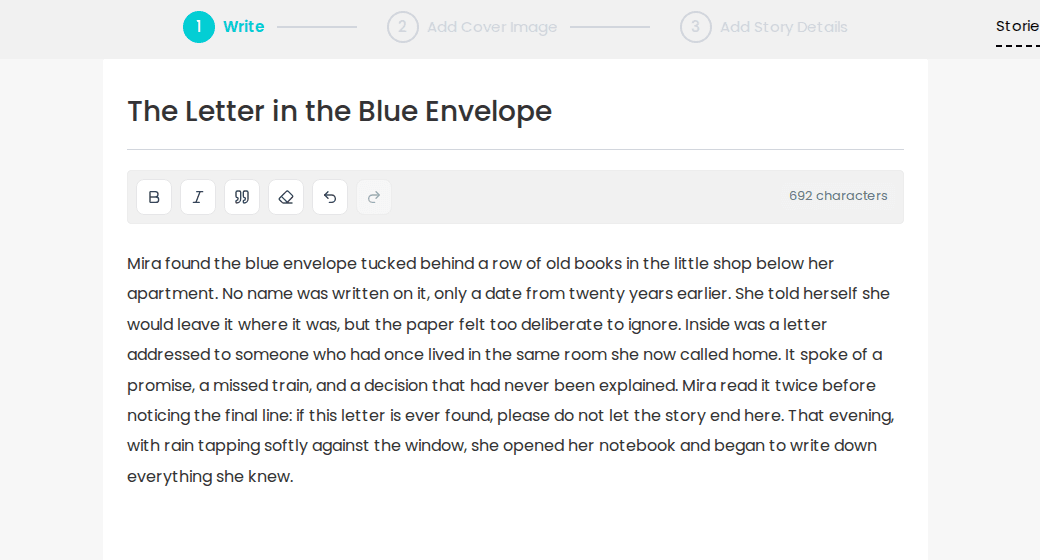
Private Story is not a separate writing mode. Start a normal story, choose Standalone or Multi-Chapter, and write as usual. SSL autosaves your work while you write.
Step 2
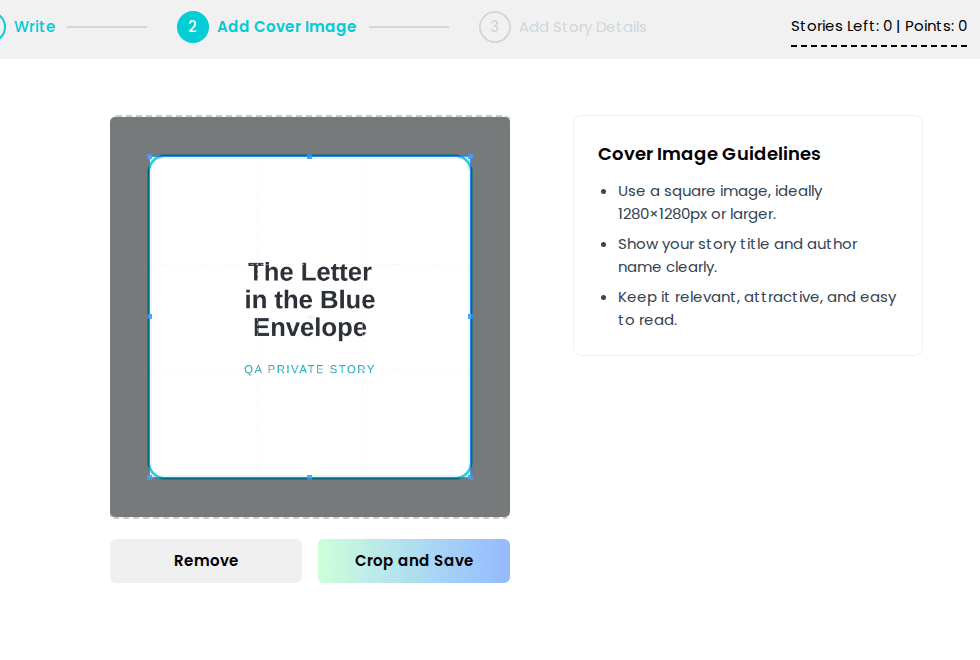
A genuine cover image is required before a story can be shared privately. SSL recommends a square image, ideally 1280×1280 px or larger.
Step 3
In Who can read this story?, choose Private. The story remains outside SSL public distribution and can be read only by your subscribers.
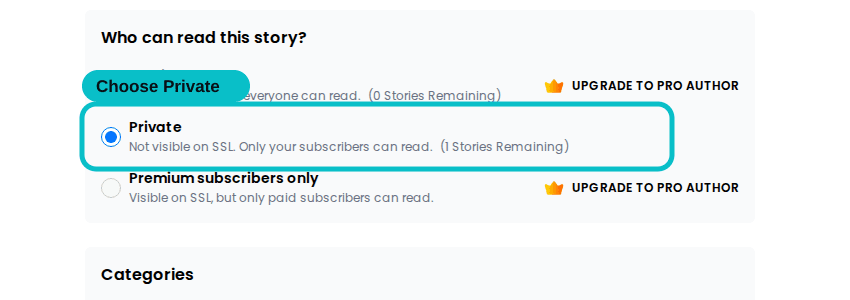
Private uses the normal free subscriber gate. Premium Subscribers Only is a separate paid-access option.
Up to 2 new Private Stories per calendar month.
Not subject to the Free Author Private Story monthly limit.
Step 4
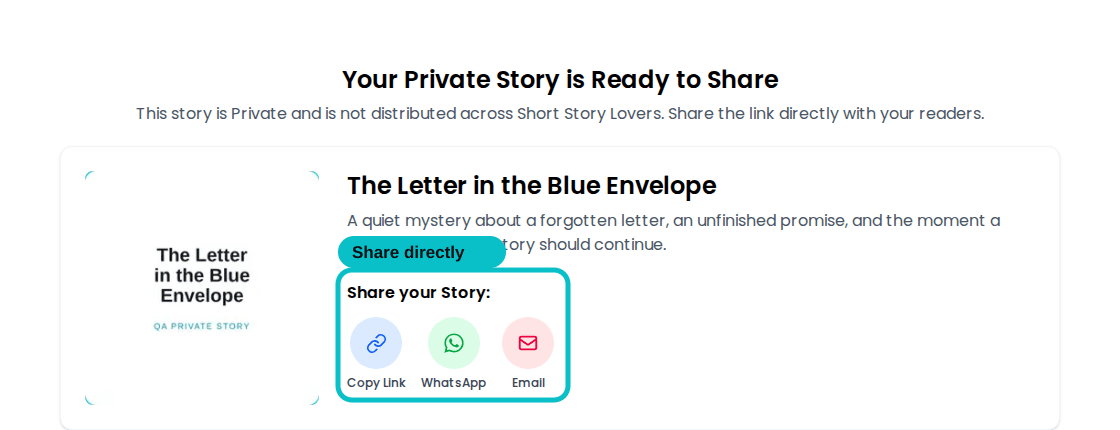
After you click Share Privately, SSL gives you a focused share screen. Copy the link or send it through WhatsApp or Email.
Step 5
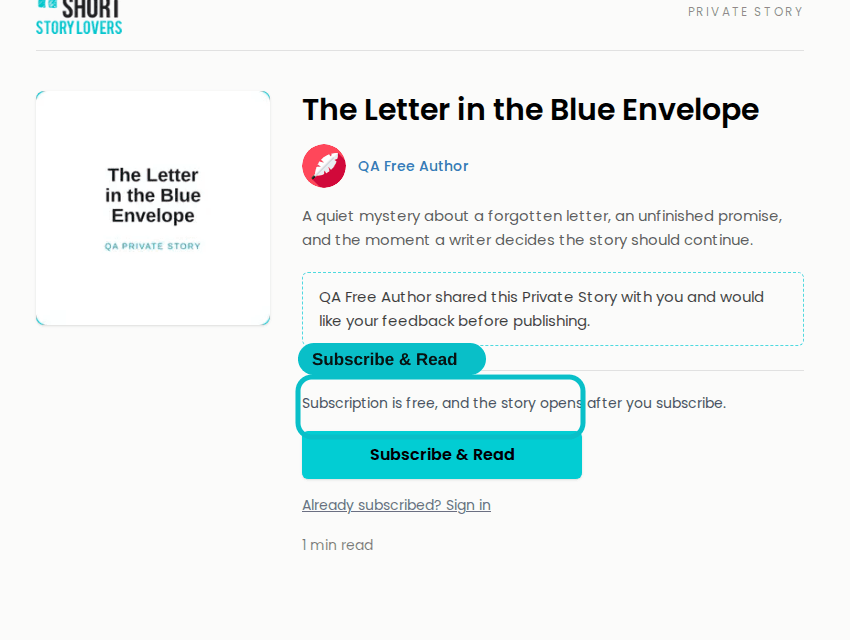
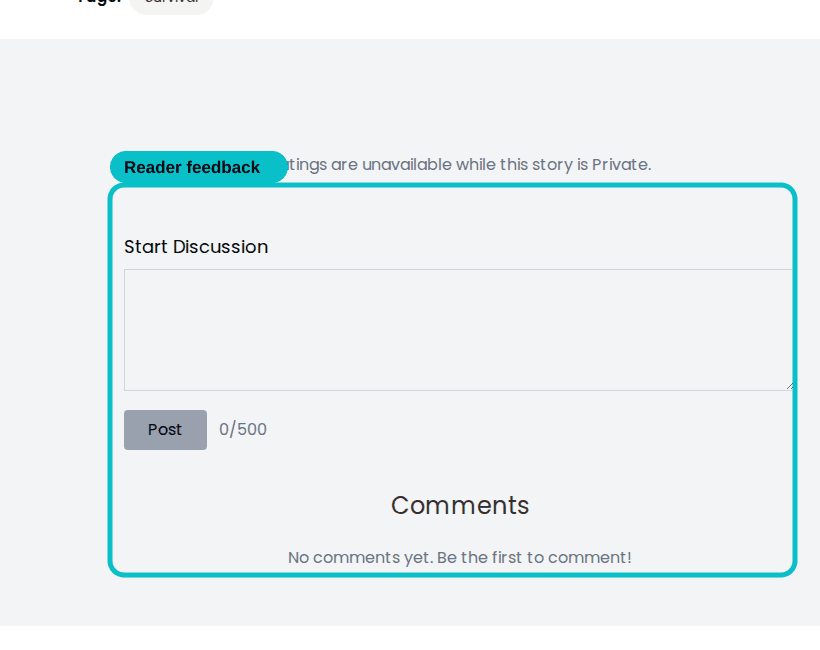
A non-subscriber sees the story identity and a Subscribe & Read gate. Once subscribed, the reader can access the full story and use the comments area.
Manage it later
Go to My Stories → Private whenever you want to continue working, share again, publish publicly or withdraw access.
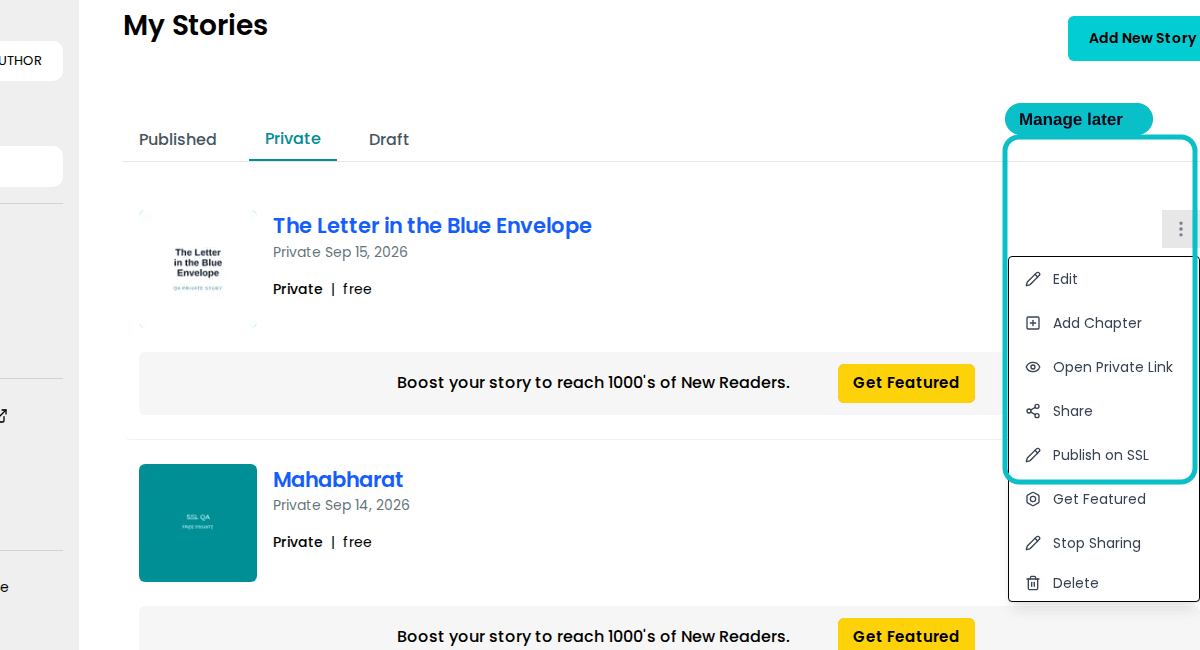
Keep improving the story while it stays Private.
Return to the reader-facing page or copy the link again.
Move toward public publication. Normal Public publishing eligibility applies.
Withdraw the Private Story from subscribers and return it to Draft.
Featuring a Private Story: the story remains Private while it is under review and becomes Public only after it is approved and activated.
Quick answers
The author and readers who are subscribed to that author on Short Story Lovers.
No. A normal Private Story uses the free Subscribe & Read gate.
No. While it is Private, it is not distributed across Home, Categories or other public discovery areas on Short Story Lovers.
No. Private sharing is separate from the Public publishing allowance.
Free Authors can create up to 2 new Private Stories per calendar month. Pro Authors are not subject to that Free Author monthly limit.
Yes. Private sharing supports Multi-Chapter stories when the story contains meaningful chapter content and a genuine cover image.
Yes. Use Publish on SSL from the Private story menu. Normal Public publishing rules then apply.
Subscribers with access can comment. Ratings are unavailable while the story remains Private.
Yes. Stop Sharing withdraws access from subscribers and returns the story to Draft.
Start a story, write normally, add your cover, choose Private, and share it with the readers you want involved first.